Overview
Click on the Sign Mandate-button
Show the mandate to the borrower. Once he has read the terms and conditions and is ready to sign he agreement, follow the instruction on the terminal.
Keep an eye on the terminal
The terminal will
display a similar message to the following: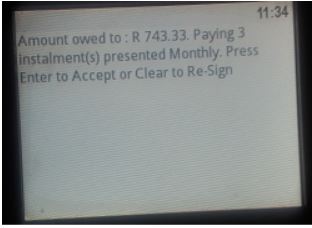
The customer must
click on the Enter-button on the terminal if he accepts
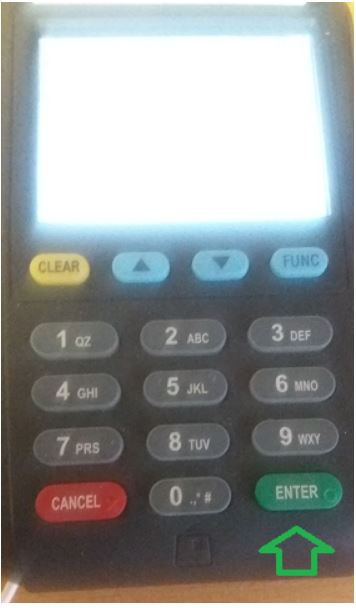
The customer must sign
in the block on the terminal
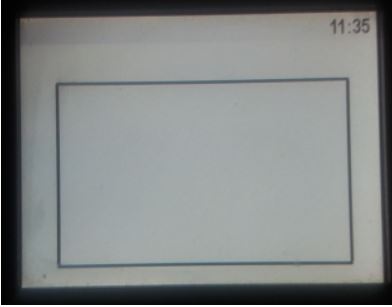
Use the terminal's pen
to sign on the screen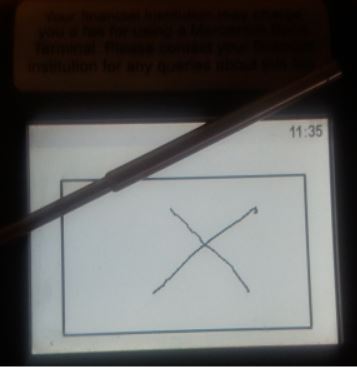
Wait for the
terminal
Response = 207 Success - this means the signing of the document was successful. Click on the Next-button to sign the MAXMONEY documentation
Click on the Next-button