Overview
eSign Budget Document
You can eSign document no matter which payback type you selected.
Click on the hyperlink
for the budget to sign the document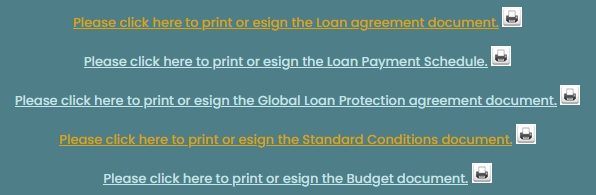
The borrower must read
the document on the screen and click on OK to sign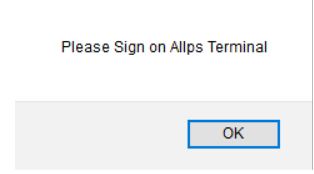
The borrower must read
the message on the card reader and press the green enter-button to conitnue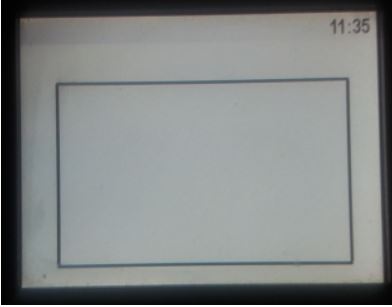
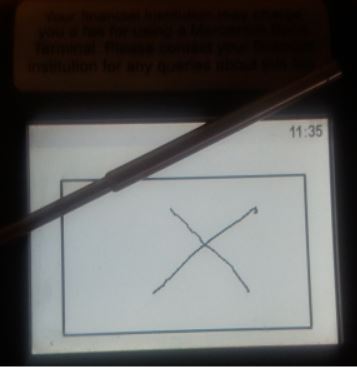
The borrower must sign
on the terminal and press the green enter-button to continue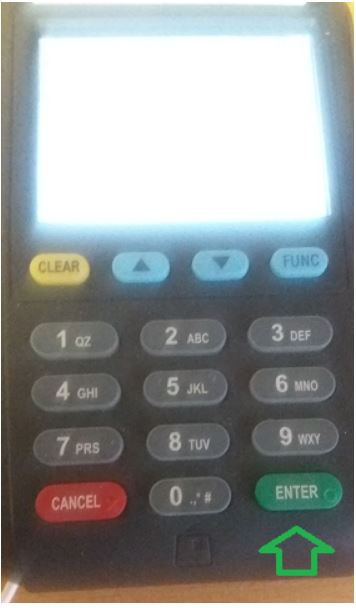
Wait for the terminal to process
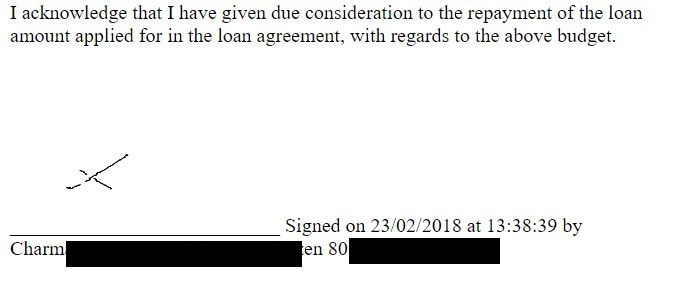
The document will be
signed