Overview
Go to Client Administration > Search for an Existing Client > New Loan
SEFT using
the USB terminal
SEFT
using the GPRS/Mobile terminal
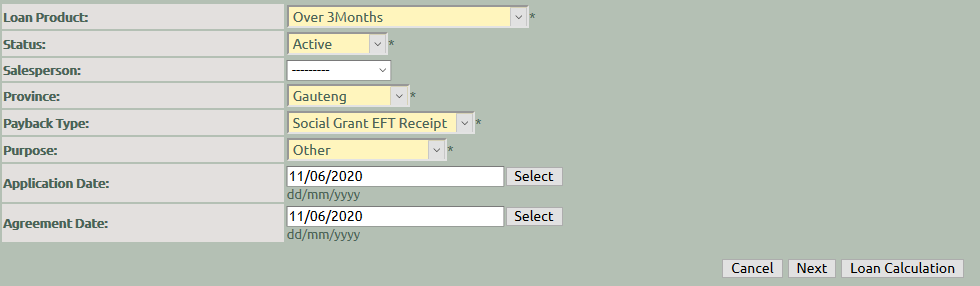
Follow the loan creation wizard to complete the necessary information
General Tab :
Payback Type = Social Grant EFT Receipt
MAXCOLLECT Tab :
Preferred Bank Account =Select the bank account where the repayment must be deducted. This
should be the preferred payback account as set up on the client's banking
details.
Preferred CSP =
Select Allps from the dropdown list
Preferred CSP Setup = Select the SEFT Receipt
option for the applicable branch, as set up on the client's payback information
Payer Fee = When
the consumer has agreed to enter into an agreement with Intecon and agrees to
pay the successful transaction fee, please select this box
Payer CSP Fee Contribution
Percentage = Complete the CSP Payer Fee contribution percentage for the
contract
