Viewing Client's XDS 30-day MFI Scores
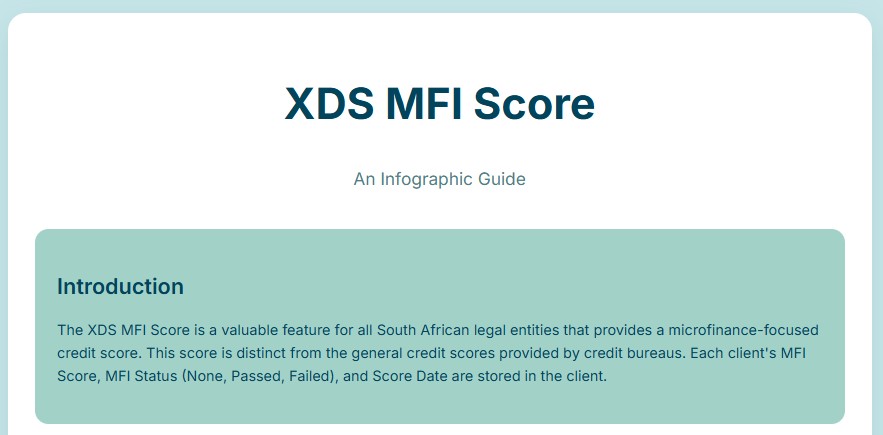
Client MFI scores are visible within the MaxMoney client interface for South African legal entities on existing clients.
Video Tutorial
-
For a visual guide, watch the video link - https://www.youtube.com/watch?v=xdIfyY11-ZM
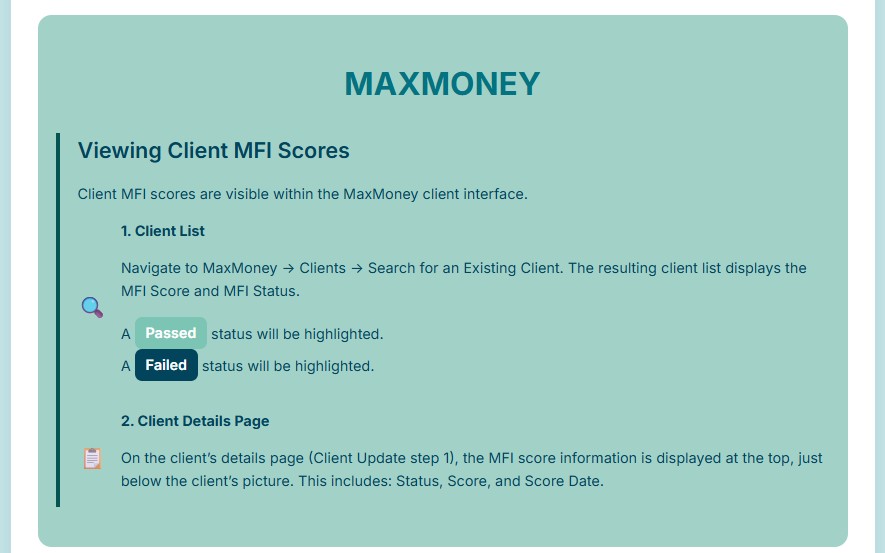
1. Client List
Navigate to MaxMoney -> Clients -> Search for an Existing Client. The resulting client list displays the MFI Score and MFI Status.
-
A Passed status will be highlighted in green.
-
A Failed status will be highlighted in red.
-
A None status means that a score has not yet been obtained.
2. Client Details Page
On the client’s details page (Client Update step 1), the MFI score information is displayed at the top, just below the client’s picture. This includes:
-
Status: It can either be Passed, Failed or None.
-
Score: The value of the score will determine the status.
-
Score Date: The latest date when the score was obtained from XDS.
Infographic