Overview
Client
Administration > Search for an existing client > Highlight the client and
click on the Experian Enquiry-button
The following resource must be activated Experian Client
Enquiry
If the user wants to
do an enquiry who is already loaded on their data use this function:
When this screen
display, the Experian information has been completed correctly
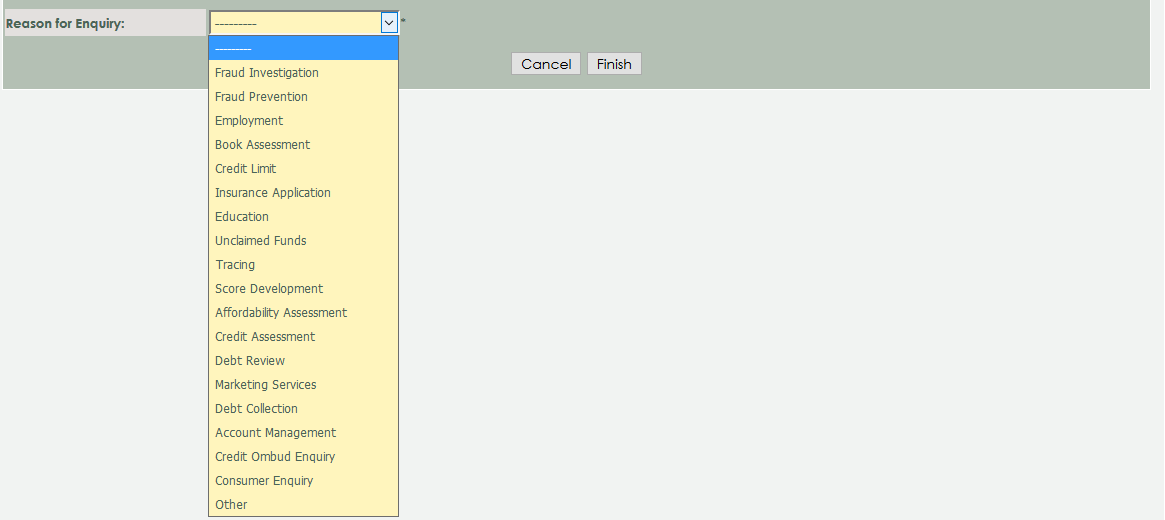
Reason for Enquiry: Select in the Dropbox
the enquiry you like to do
The
following buttons are available:
Finish:
Click on the finish button to proceed the Experian Enquiry
Cancel: Click
on the cancel button to cancel the instruction and go back to the previous
page
The consent is part of
the latest standard MAXMONEY loan agreement. See Loan Agreement Page 1 Point 10
on the "agree to and declare"
