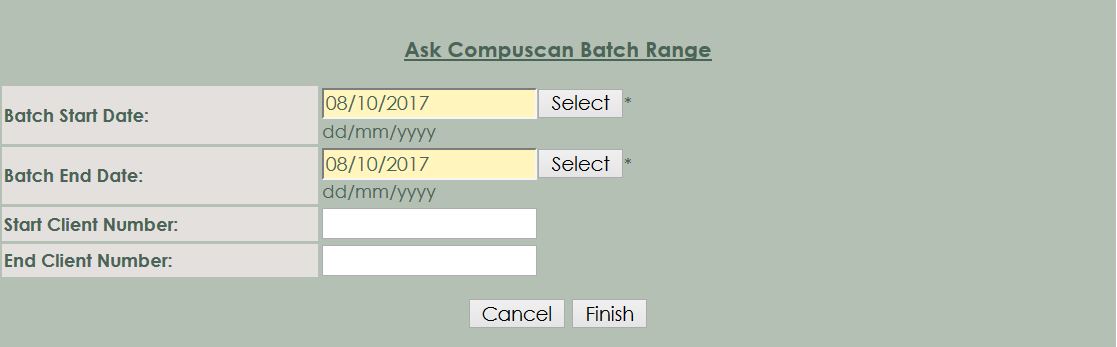
The following buttons are available
Overview
Go to Reporting -> Compuscan -> Compuscan Batch Successful Send Items Report
The Security option is available under the Report Section of the Role Reporting > Compuscan Batch Successful Send Items Report
You can see which batches have been done between a specific start and end date.
Fully
Explaination of the Compuscan Batch Successful Send Items Report
Filters/Selections
The reports have selection options whereby you can drill down information to branch level, salesperson, date etc. The following selections are available on this report:
The following buttons are
available
Cancel : Select the Cancel-button to cancel
this request.
Finish : Select the Finish-button to
generate this report.