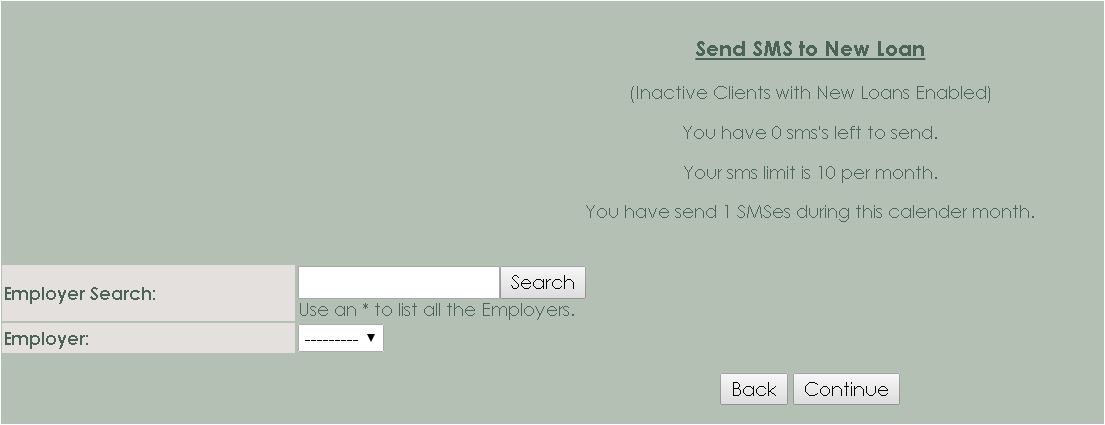
Send SMS to New Loan
Overview Instruction who to Send
the message
To use this process:
The Security option is
available under the Processing Section on the Role
Processing: MaxSMS
New Loan:
This option allows you to send a sms message
to all inactive clients which new loans is enable. Therefore
the client must have no instalment due.
Go to Processing > MAXSMS > Send SMS to New Loan
The SMS will be send to Inactive clients with new loans
enabled.
The amount of the SMSes left will appear on this
screen.
The limit SMSes per month will appear on this screen.
The amount
of SMSes sent during the calendar month will appear on this screen.
Employer
Search: Enter the * and click on the search button.
Employer: In the list select the employer.
The following buttons are available:
Continue: Click on the continue-button, to
continue with this process.
Back: Click on the back-button to cancel the
request